Manual time tracking without surveillance
Updated 7 min read By David from TimeRetain
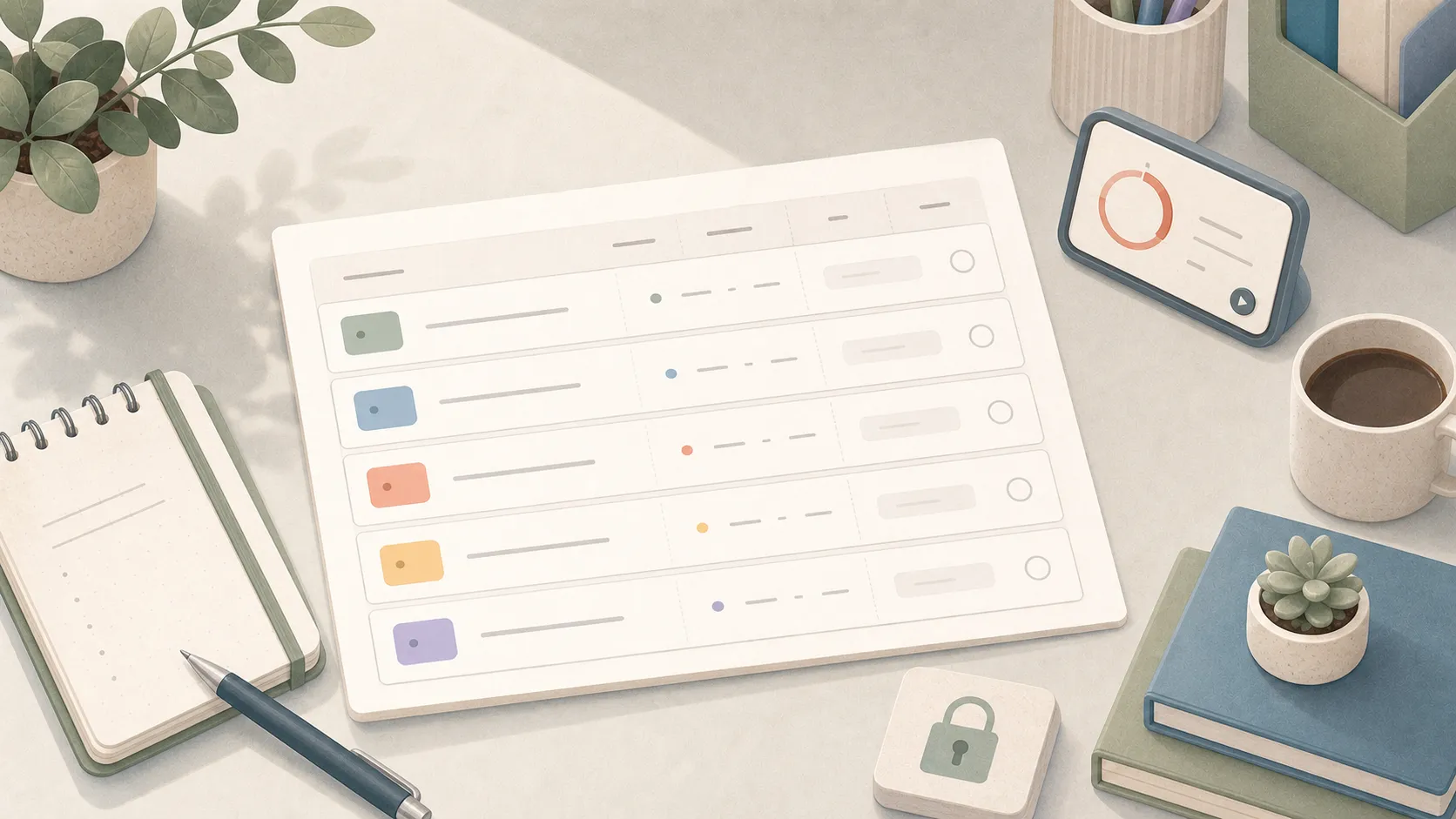
Manual time tracking means you record work time yourself, on purpose.
That can be a timer, a table, or a row in a notebook. You decide what the entry means: who the work was for and what you did. A background process did not guess those labels.
It’s not screen capture. It’s not keyboard monitoring. It’s not an app quietly building a log you’ll have to explain later.
Naming the work as you start gives the hours some context. A note such as “Reviewed the launch plan” is more useful next week than “Browser.” You still need to correct a forgotten timer or a note that no longer matches what you did.
Who manual time tracking is for
Manual time tracking fits people who want to choose what goes into their work record.
The method is the same if you bill hours or keep a private record of your own job. Record the block while it is fresh, with enough context to trust it later.
It is also a good fit when your time data is personal. A work log reveals a lot: clients, rates, bottlenecks, late nights, what keeps interrupting you. That kind of record is worth keeping under your own control.
Manual tracker vs. manual timesheet vs. automatic tracker
A manual tracker captures time, and a manual timesheet stores the record. An automatic tracker watches activity before you review it.
| Method | Plain meaning | Best use | Watch out for |
|---|---|---|---|
| Manual tracker | A timer or app you start and stop yourself while work happens | Daily tracking, billable work, private work records | Forgetting to start or stop |
| Manual timesheet | A row-based record you fill in, clean up, review, or export | Payroll, invoicing, weekly review, exports | Rebuilding too much from memory |
| Automatic tracker | Software that watches activity in the background before review | A draft of computer activity you still have to label | A title that doesn’t name the work |
A manual tracker can produce a manual timesheet, but they are not the same thing. The tracker captures the work block. The timesheet is the record you review, submit, export, or use later.
An automatic log can save a session you forgot to time. It needs review when the activity does not identify the work or client.
That is where automatic time tracking needs your judgment. A manual tracker lets you name the work at the start, but remembering the timer becomes your job.
A plain manual time tracking method
A manual system needs three steps.
-
Record who and what. Name the client, course, or employer, then the activity. Later, you can find one client’s work or see how much time went into meetings.
-
Record the block as it happens. A good entry needs context, activity, start, end, and a note. Start when the block begins, stop when you switch, and write a note you’ll understand later.
-
Review the day once. Fix rough notes and split a block if it covers different clients. A daily work log can hold a longer note about what remains unfinished.
Here is an example:
| Date | Start | End | Context | Activity | Note | Total |
|---|---|---|---|---|---|---|
| Sep 1 | 09:00 | 10:30 | Hartwell | Admin | Reconciled June receipts | 1h 30m |
| Sep 1 | 10:45 | 12:00 | Hartwell | Writing | Drafted July status memo | 1h 15m |
| Sep 1 | 13:00 | 14:30 | Hartwell | Meetings | Scope call on Q3 retainers | 1h 30m |
| Sep 1 | 14:45 | 16:00 | Internal | Admin | Invoiced July and cleared inbox | 1h 15m |
Write the note rough, then clean it up once. Replace vague wording with a plain description; do not turn the entry into a report. “Worked on project” will not help later; “reconciled June receipts” will.
Write the record while the context is fresh
The record gets shaky when you wait too long to write the entry.
By Friday, Tuesday afternoon has turned into fog. Suppose a 35-minute call later feels like an hour, and a small admin task disappears.
If those hours affect an invoice, a retainer, or a workload decision, don’t rebuild that block from memory days later.
Start the timer when the work starts. Stop it when the work stops. Add a rough note now; clean it up later if you have to.
That rhythm also helps with billable hours. The invoice doesn’t need your whole day, only entries you can still explain weeks later.
Keep labels boring
Too many labels make manual tracking harder than it needs to be.
If choosing a label keeps interrupting your work, try fewer labels. Keep a detailed task structure only when you use that detail later.
Keep work for each client, course, or employer together. A few broad activity labels make the entries easier to scan:
- Admin
- Meetings
- Writing
- Research
- Support
- Study
Put the detail in the note. “Writing” keeps similar work together; “drafted July status memo” tells you what happened in that block.
If you only need one total, keep one group of entries. Add labels when you need to distinguish the work.
What to leave out
Manual time tracking shouldn’t record your whole life.
Leave out breaks unless they affect a total you need. This is your private work record, not an employer timesheet.
You do not need a description of every interruption. If a break must stay out of your working total, exclude its time. Leave out anything you’d only write down to look busy.
The goal is a record you trust, not proof that every minute counted. If you want to understand a few days, run a short time audit. If you need a billing record, identify the billable work. Keep unpaid work too when you want to understand what the whole job took. Do not turn every ordinary day into a report.
Privacy checklist for a manual time tracker
A manual tracker should protect the record.
Run through this checklist before you settle on a tool:
- Local storage: your time data starts on your device.
- No screenshots: the tool doesn’t capture your screen.
- No keyboard or mouse monitoring: the tool doesn’t score your activity.
- No employer-surveillance defaults: the tool is built for your record, not for watching workers.
- Easy export: you can take your entries with you as CSV or another plain format.
- Optional sync: if sync exists, it’s a choice, not a requirement.
Offline access means you can keep recording when the connection drops. It does not tell you who can read the record later. Look at storage and sharing separately.
Where TimeRetain fits
TimeRetain helps you keep a record you can read next week: what you worked on, who it was for, and how long it took. A short note keeps the reason for each block beside its hours. If you miss a stop, you can correct the time before you use the record.
I built TimeRetain so you can keep that record without an account. Your primary record stays on your device. Optional Sync stores an encrypted copy on TimeRetain’s servers. It does not take screenshots, log apps, or watch the keyboard.
You can take your record into a spreadsheet when you want to review the hours there.

Keep a work record you can explain next week. Try one work block in TimeRetain.
Try manual tracking for three days
Don’t rebuild your whole system first.
For three ordinary workdays, track only real work blocks. Keep each entry to task, start, stop, and note. Use a few broad labels. Fix rough notes once at the end of the day.
After three days, read the record back and ask four questions:
- Work: Can you tell what you worked on?
- Time: Can you see where the time went?
- Trust: Can you trust the entries enough to use them?
- Friction: Did tracking stay light enough to keep doing?
If tracking takes too much effort, simplify: fewer labels, shorter notes, less cleanup. If the record is unclear, add the missing context. If times are wrong or missing, correct them and try a reminder at work boundaries.
If the record answers those questions and stays easy to keep, keep going. Manual time tracking isn’t about proving you were busy. It’s about keeping a record that still makes sense after the day has moved on.
Questions and answers
What is manual time tracking?
Manual time tracking means recording your own work time instead of letting software watch your apps, tabs, or keyboard activity. You choose the context and activity, start the timer or write the start time, stop when the block ends, and add a short note.
What is a manual timesheet?
A manual timesheet is a time record filled in by a person instead of generated automatically. It can live on paper, in a spreadsheet, in a note, or as an export from a manual timer.
How do I organize manual time entries?
Keep work for each client, course, or employer together so you can find it later. Use a few activity labels, such as writing or meetings, and put the detail in the note. Add more labels only when they help you answer a question about your time.
Is manual time tracking better than automatic time tracking?
Manual tracking suits you when naming work as you go takes less effort than reviewing an activity log. Automatic capture can help recover forgotten sessions. Privacy depends on what a tool records and where it stores the record, not whether you start the timer yourself.
What should a manual time tracker avoid recording?
A manual tracker should avoid screenshots, keyboard and mouse monitoring, employer-surveillance defaults, and automatic app logs. It should let you start and stop entries yourself, edit mistakes, and export the record.