What is a timesheet? Guide to tracking work hours
Updated 5 min read By David from TimeRetain
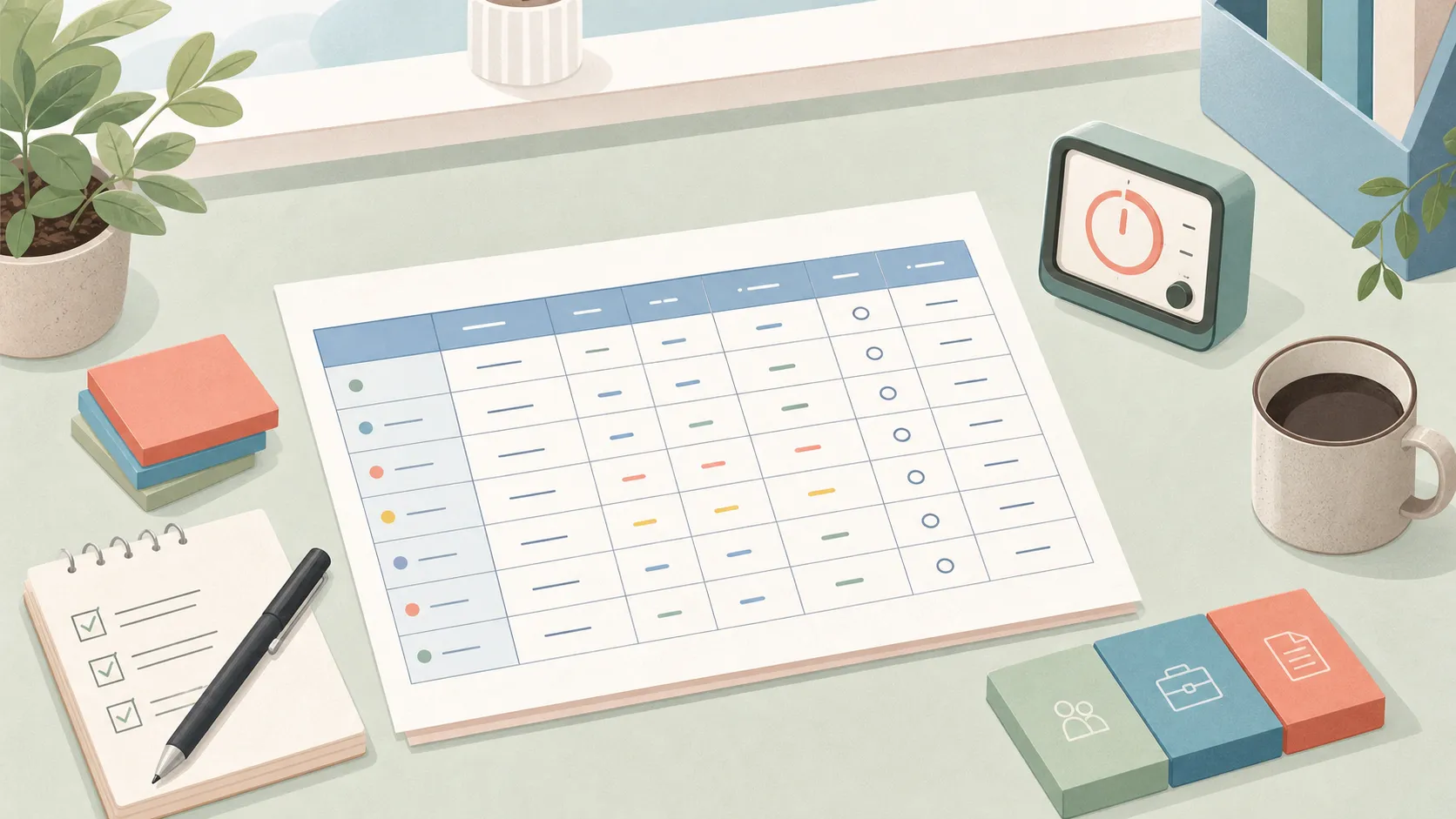
A timesheet is a record of when work happened, how long it took, and often what the work was for.
This page is about a personal or freelance record you keep for billing, planning, or seeing where a week went. It’s not an employer payroll form.
A timesheet can be a paper form, a spreadsheet, a time tracker export, or a simple table in a note.
The useful version answers one plain question: if you look at this next week, can you tell what happened?
What a timesheet is
A timesheet records work time in a structured way.
An employee can still keep a private log of their own hours. That log isn’t the payroll form.
For a freelancer, the record might support an invoice. For a student, founder, or solo worker, it might show where a week went.
Those uses still share the same core: date, time, work, and total.
You don’t need to make it fancy. Every extra field asks for attention, and attention is the thing you were trying to spend on the work.
A simple timesheet example
Here’s a small timesheet for a hypothetical day:
| Date | Start | End | Break | Project | Note | Total |
|---|---|---|---|---|---|---|
| Jun 25 | 09:00 | 10:30 | 0m | Client A | Drafted onboarding email | 1h 30m |
| Jun 25 | 10:45 | 12:00 | 0m | Admin | Reconciled receipts | 1h 15m |
| Jun 25 | 13:00 | 15:00 | 30m | Client B | Reviewed contract redlines | 1h 30m |
That table gives you the date, duration, project, and result of each block. Add detail only when you need it later.
The 30-minute pause on the Client B row is excluded from this personal total. The day comes to 4h 15m.
If you bill by the hour, add a rate or billable column. If you only want to understand your week, skip it.
What to put on a timesheet
Start with the smallest useful record:
- Date: when the work happened.
- Start and end time: the real shape of the work block.
- Break time: a pause you want to exclude from your own total.
- Client, project, or course: the context, if you have more than one. Put it on the row when you capture the block.
- Note: what you did, in words you’ll still understand later.
- Total: the time you want counted.
“Work” is too thin. “Email” is usually too thin too. A better note names the result: “drafted onboarding email,” “fixed checkout copy,” “reviewed contract redlines,” “practice problems 4-9.”
You don’t need to describe the whole task. Keep enough detail to tell this block from the next.
Timesheet vs. time tracker vs. daily work log
These three records overlap, but they do different jobs.
A time tracker captures time while you work. You start a timer, stop it, put the block on a client, project, or course, and maybe add a short note. The tracker is the tool you use during the day.
A timesheet is the clean record you can review, export, or use for billing. It can come from a tracker, a spreadsheet, or handwritten notes.
A daily work log explains what changed: what you finished, what blocked you, what you decided, and what comes next. You write it at the end of your day, as a reflection. A timesheet says how long the work took.
Sometimes you need both. Suppose a timesheet says Client A took 3.5 hours when you planned two, and a work log says the pricing copy arrived late. The timesheet shows the overrun. The log gives you a likely reason, which helps when you explain the invoice or plan the next project.
Common timesheet mistakes
The first mistake is rebuilding the week from memory.
A calendar invitation won’t tell you whether Tuesday’s 30-minute call ended on time or ran for 70 minutes. A start and stop time will, if you recorded them.
If the record affects an invoice, a retainer, or a decision about your workload, capture it closer to the moment.
The second mistake is tracking too much.
For a total per project, you don’t need a row for every browser tab or tiny interruption. If those fragments belong to one task, one row can hold its time and note.
Automatic time tracking needs your judgment when its app or window labels don’t identify the project. Add that context while you still know what the work was for.
The third mistake is using private shorthand.
“CA sync thing” might make sense today. In three weeks, you might need the client name and meeting topic. Use names and notes you could explain to someone else if you had to, even if the record is only for you.
A simple weekly workflow
A workable timesheet workflow is capture first, clean up once.
During the day, record the work blocks. Keep the entry rough: client, project, or course, note, start, stop. Don’t pause the work to polish the table.
At the end of the day, fix obvious mistakes. If one block covered two projects, split it into two entries with the correct times. Rename “misc” while you still remember what it meant.
At the end of the week, review the record. For billable hours, each row should already name the client and project.
For personal planning, compare planned blocks with recorded time. Suppose admin took two hours instead of one, and you still need to finish the client work you planned next. If you expect similar admin next week and control your schedule, allow more room for it. If someone else sets priorities, use those entries to discuss what can move.
You can also use a timesheet for a short time audit. Track three ordinary days, or a full work week if you need Monday-versus-Friday. Then stop tracking the parts that no longer teach you anything.
Where TimeRetain fits
TimeRetain helps you build a timesheet you can understand next week. Keep related work together by client, course, or project, so you can see where the hours went.
Use the record to explain a busy week, discuss a client invoice, or plan room for work that took longer than expected.
You don’t need an account. The primary record stays on your device. If you enable optional Sync, TimeRetain stores an encrypted copy on its servers.

Try TimeRetain for one workday, then review your hours and notes.
Questions and answers
What is a timesheet?
A timesheet is a record of work time. It shows when work happened, how long it took, and often what the work was for. A timesheet can be a spreadsheet, paper form, app export, or simple table.
What should a timesheet include?
A useful personal timesheet includes the date, start and end times, a short note, and the total. Add the client, project, or course when you track more than one. Record breaks you exclude from your total, and add the rate if you bill by the hour.
What is the difference between a timesheet and a time tracker?
A time tracker often captures the work while it happens. A timesheet is the record you review or use later. You can also fill a timesheet from notes without a tracker.
What is the difference between a timesheet and a daily work log?
A timesheet records when work happened and how long it took. A daily work log is an end-of-day note about what changed, what blocked you, and what comes next.
How often should I fill in a timesheet?
Capture work blocks during the day, while you still know the start and stop times. Fix obvious mistakes at the end of the day, and review the whole record once a week.