Music practice journal: see your playing time
Updated 4 min read By David from TimeRetain
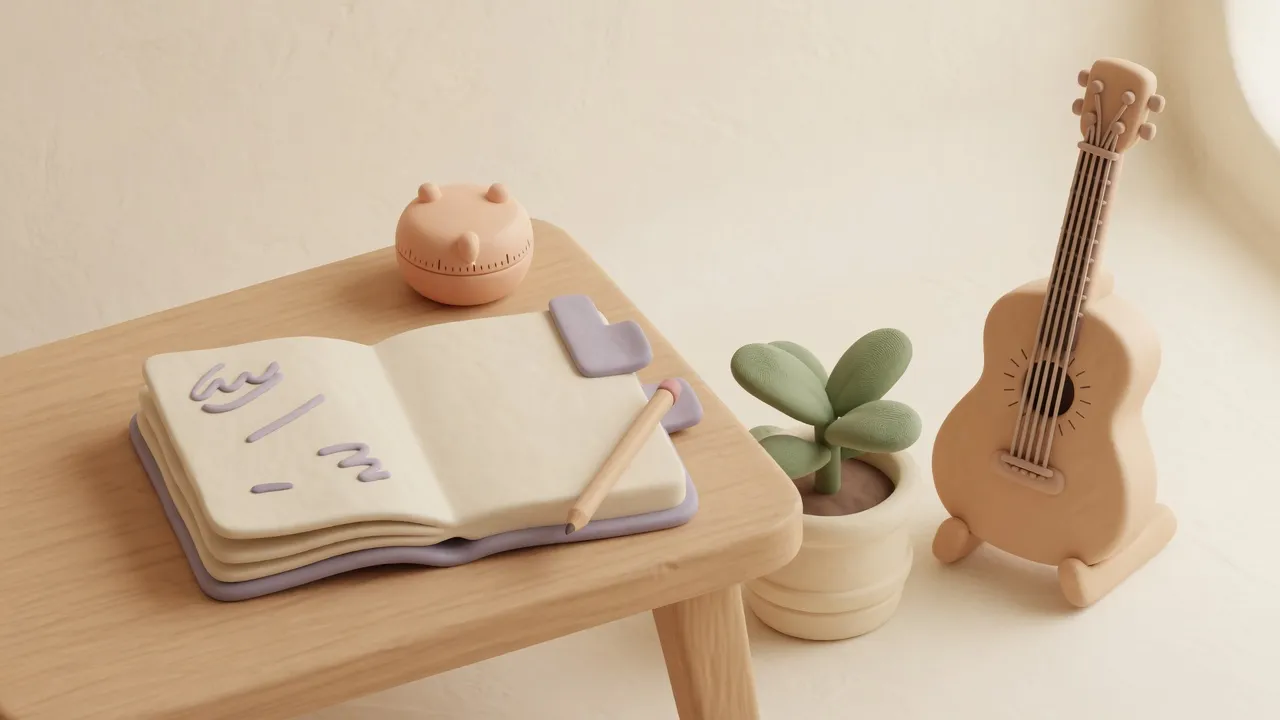
A music practice journal can show how much time you spend with your instrument. Record each session’s duration and a few words about the activity. At the end of the week, you have an answer to “How much did I play?”
- Date:
- Duration:
- Activity:
Date:
Duration:
Activity:
Start with one entry per session
Ten minutes on the guitar while dinner cooks can be easy to forget. So can a short session after work. A personal log includes those moments alongside the Saturday afternoon when you had plenty of time.
You might be learning an instrument, returning to an old hobby, or playing songs you already love. All of that time can belong in your record.
The activity can be as short as “guitar after work” or “playing duets.” Add more detail if you want it, but a session doesn’t need a written review before you can count it.
For example:
- Date:
August 18
- Duration:
20 minutes
- Activity:
Guitar after dinner, mostly familiar songs
Date: August 18
Duration: 20 minutes
Activity: Guitar after dinner, mostly familiar songs
If you use a timer, start it when you begin playing and stop it when you finish. With a paper journal, you can write down the duration from a separate timer.
See how the smaller sessions add up
Here’s a made-up week of guitar playing:
| Date | Activity | Duration |
|---|---|---|
| August 18 | Familiar songs after dinner | 20 minutes |
| August 20 | Trying different strumming patterns | 15 minutes |
| August 23 | Playing with a friend | 25 minutes |
| Total | 60 minutes |
No session lasted an hour, but together they added up to one. The record makes that hour visible without requiring a long session on any particular day.
A monthly total can answer the same question over a longer period. Suppose you spent six hours making music during a busy month. You can keep that record without setting a target for the next one.
Choose what your total includes
For a personal journal, you decide what counts as music time. You might include only time with the instrument in your hands. You might also want to include singing or playing with other people.
Use a short activity label when the difference matters to you. For example, keep “guitar” and “singing” separate if you want to see how much time went to each. If you only want one total for making music, a single category is enough.
Labels can also answer a question the total can’t. If you’re learning a new piece, keep it apart from “familiar songs.” After a few weeks, you can see whether the new piece is getting time or whether most evenings go to songs you already know. Neither answer is wrong, but it can help you decide what to play next.
Long interruptions need a little care. Suppose you play for 15 minutes, spend 30 minutes on a phone call, then play for another 10 minutes. That is 25 minutes of playing during 55 minutes of elapsed time. Stopping the timer for the call keeps the playing total accurate.
If you forget to time a session, mark an estimate as “about 20 minutes.” Leave the duration empty when you cannot make a useful estimate. Treat totals that include estimates as approximate.
Keep the record personal
Your journal doesn’t need to rank sessions or compare you with anyone else. An evening spent playing familiar songs can be worth recording because you enjoyed it.
The minutes tell you how long you played. They do not tell you how good the music sounded or how much you learned. You can have a satisfying short session and a frustrating long one; both still have a place in the total.
If you don’t play for a week, there’s no missing entry to complete. Record the next session when it happens.
Track your music time with TimeRetain
With TimeRetain, you can see a week’s playing time without adding up each session by hand. Ten-minute sessions count toward the same total as a long Saturday afternoon.
Keep your music sessions together, with a short description such as “guitar after dinner” to remind you what you played. Separate totals for guitar and singing can show how you divide your music time.
The same record can hold your other hobbies, with separate totals for music and drawing.
No account is required. With Sync off, your record stays on your device. Optional Sync stores an encrypted copy on TimeRetain’s servers.

Record your next music session in TimeRetain.
Questions and answers
How can I use a music practice journal to track time?
Record the date and duration of each session, then add a short description of the activity. Add the durations for the week or month to see how much time you spent playing.
Does playing for fun belong in a practice journal?
Yes. Your personal record can include playing familiar songs, experimenting, or making music with a friend. Choose what you want the total to include and label the entries clearly.
Should I include breaks in my practice time?
For a total of time spent playing, stop the timer when you leave the instrument for a break. Start it again when you return. This keeps a long interruption out of the total.
Can I track music practice in TimeRetain?
Yes. Record your sessions in TimeRetain to see how much you played this week or month. No account is required, and optional Sync stores an encrypted copy on TimeRetain's servers.